Send and Receive BTG
Receiving is free and needs no gas. Sending costs gas in BTG, and both actions depend on one choice: the network selected in the wallet.
Who this is for
Binance Wallet users who already added Bitgold Mainnet. If the network is not in the selector yet, start with Add Bitgold Network or Add Bitgold Network .
Before you start
- Bitgold Mainnet selected, with the account you intend to use.
- For sending: a small amount of BTG for gas, plus the recipient's Bitgold address.
- The recipient's network confirmed. A Bitgold address is
0xfollowed by 40 hexadecimal characters, but the same address format exists on other EVM chains; the network is what makes it Bitgold.
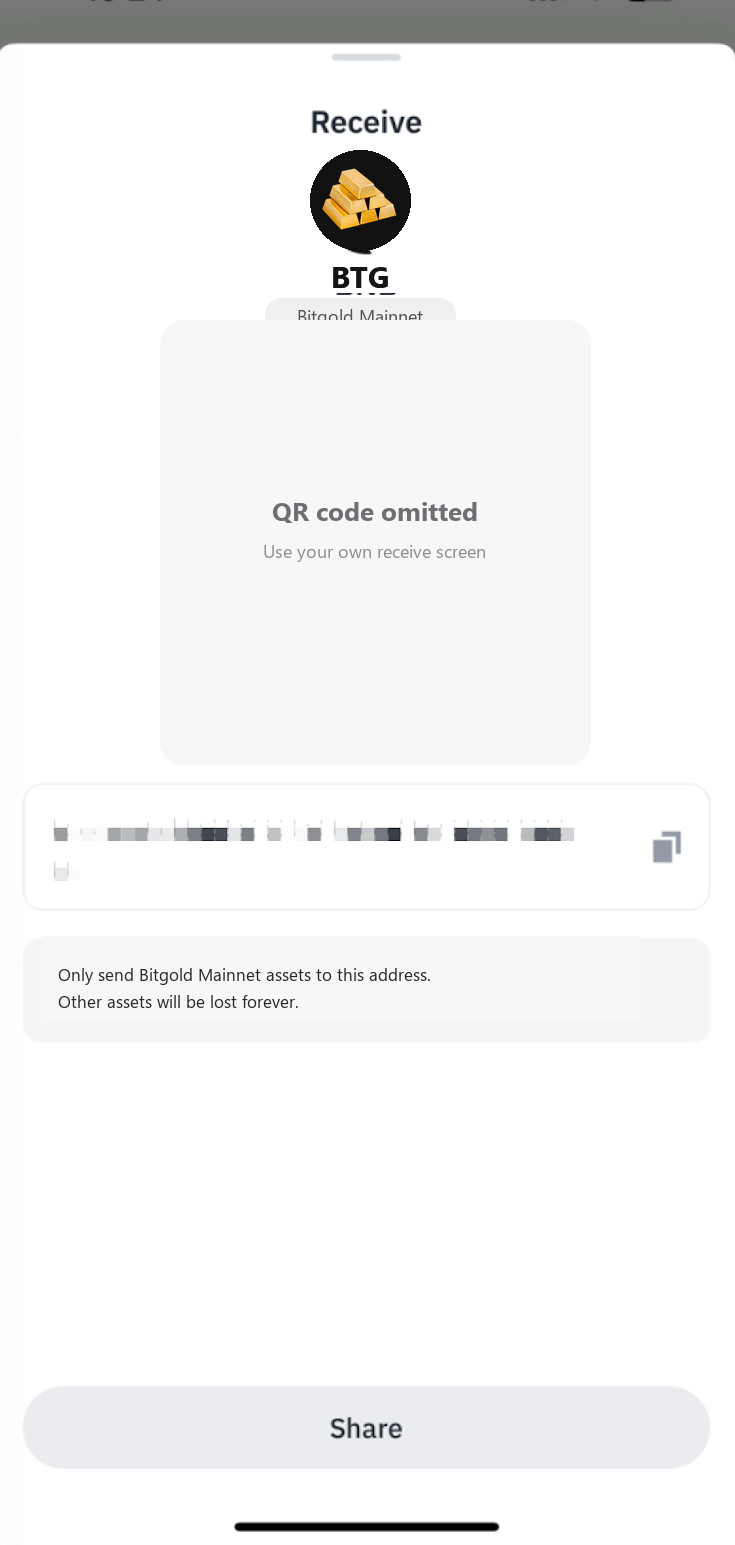
Receive BTG
- Open Assets and select Bitgold Mainnet in the network selector.
- Tap Receive.
- Choose Receive via Address, then select BTG and the Bitgold network if the app asks.
- Copy the address or let the sender scan the QR code. Check that the screen names Bitgold Mainnet before you share it.
- Send a small test amount first. When it appears, send the rest.
A Binance Wallet address is not a Binance exchange deposit address. Sending BTG to an exchange deposit address that expects another network can lose the funds; use the deposit page's network selector.
Send BTG
- Open Assets, select Bitgold Mainnet, and tap Send.
- Select BTG and the Bitgold network. The network selector is part of the send flow; do not skip it.
- Paste the recipient's address and compare the full value with your source. Do not copy from transaction history.
- Enter the amount. Leave enough BTG for gas; the fee is paid in BTG, not in a token.
- Review the address, network, amount, and fee. Confirm in the wallet.
- Wait for confirmation and check the transaction hash in www.bitgold.live.
If Binance Wallet shows a high-risk address warning, stop and verify the destination independently. Continuing can send the funds to a scam address, and a confirmed transfer cannot be reversed.
Verify it worked
- The receiving wallet shows the expected BTG amount on Bitgold.
- The transaction hash opens on the Bitgold explorer and shows the same sender, recipient, and amount.
- The network shown in the wallet's history is Bitgold Mainnet, not another chain.
- The remaining balance is enough for future gas.
Troubleshooting
| Problem | What to do |
|---|---|
| The recipient sees nothing | Give them the transaction hash and confirm the network is Bitgold Mainnet. If the hash exists, the transfer is on chain. |
| The send button is disabled | Check the amount against the available balance minus gas, and confirm Bitgold Mainnet is selected. |
| The fee seems high | Gas depends on network conditions. Wait and retry if it is not urgent; do not raise the fee to an amount you do not recognize. |
| The address is flagged as high risk | Stop. Verify the address from the recipient through a channel you already had. A warning is not a guarantee, but it is a reason to check. |
| The funds went to another network | See Sent on the Wrong Network?. Do not send more funds to "unlock" them. |
Next steps
- Sent on the Wrong Network? — trace a transfer that landed elsewhere.
- Add a Custom Token — show a token that is not BTG.